
SEO SOFTWARE INTEGRATIONS
SEO software integrations and platforms we support: WordPress today, every URL for the rest
elev8tor reads any page on the web and never installs its own code on your site to write back. This page lists every integration: Google Search Console and GA4 for data, the WordPress REST API for drafts and publishing, the elev8tor API and webhooks for everything else, and what is next, so you are not surprised after you sign up.
Updated October 24, 2026. Items marked roadmap are not live yet and are not promised by a date.
THE ONE RULE
Read everywhere, write through doors you already own
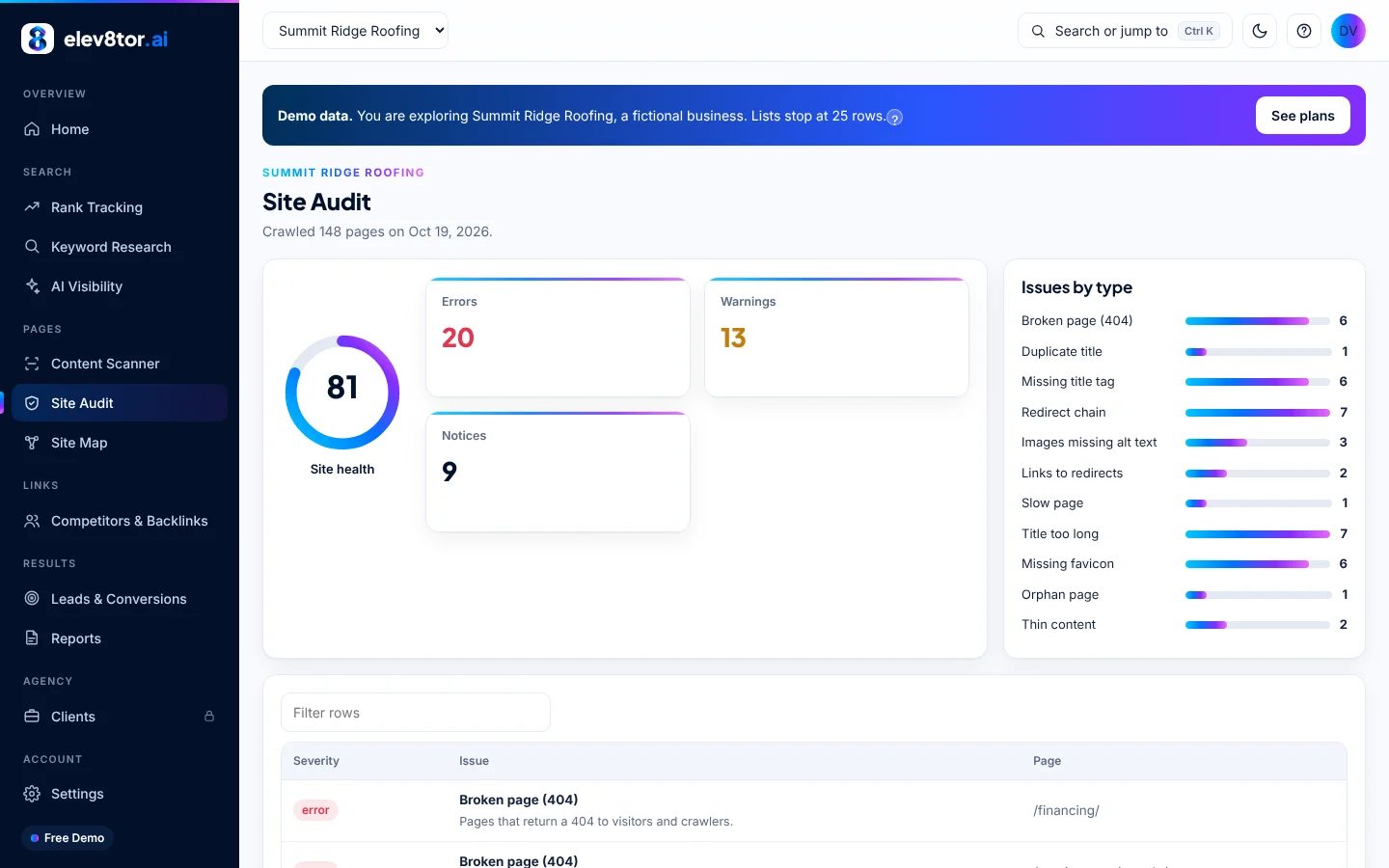
Every module that reads works on any platform, because it starts from a URL: rank tracking, keyword research, site audits, AI visibility, the content scanner, keyword briefs and the Content Writer. The writer does not care where the page will live; it produces the copy, the headings, the FAQ and the meta.
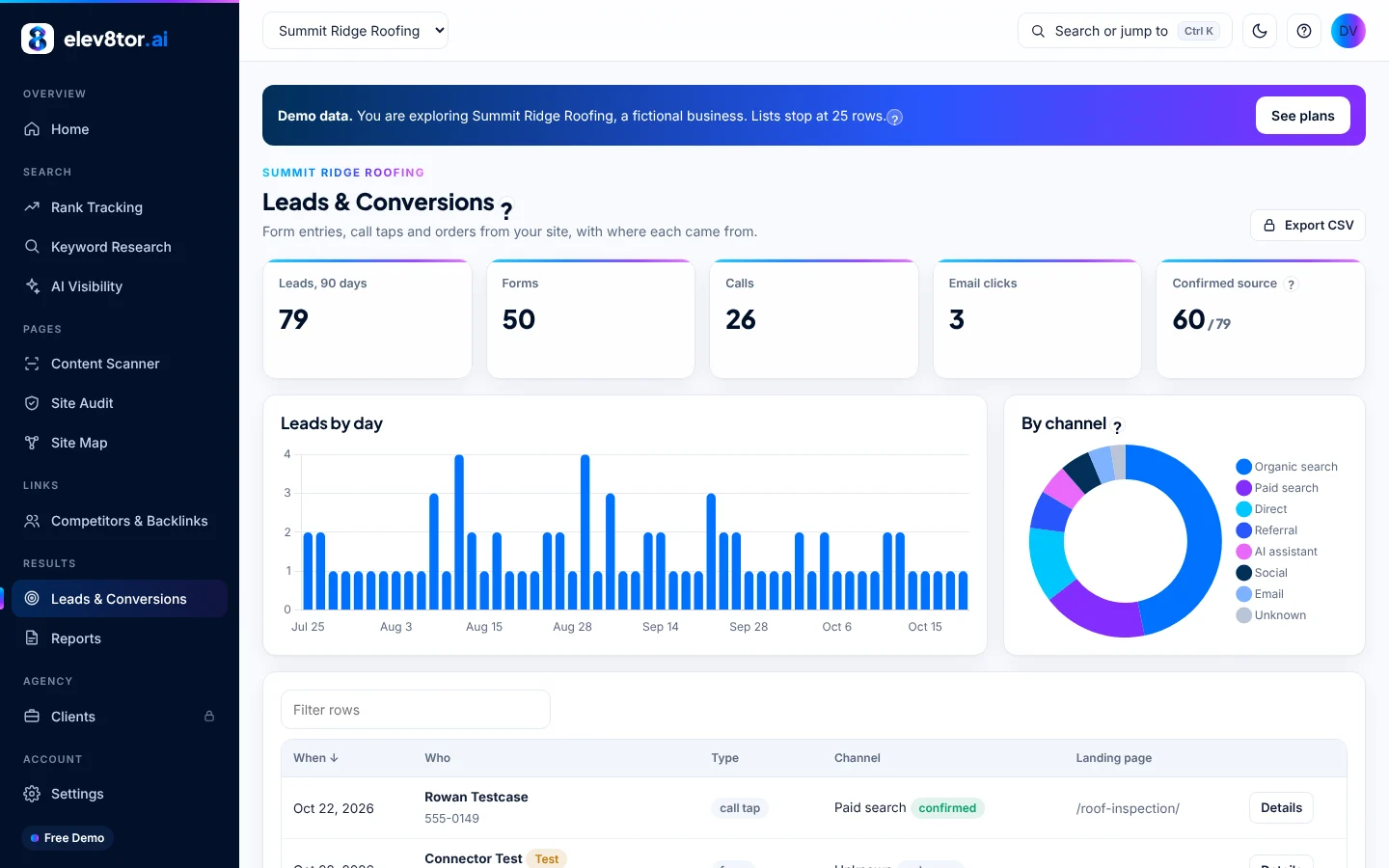
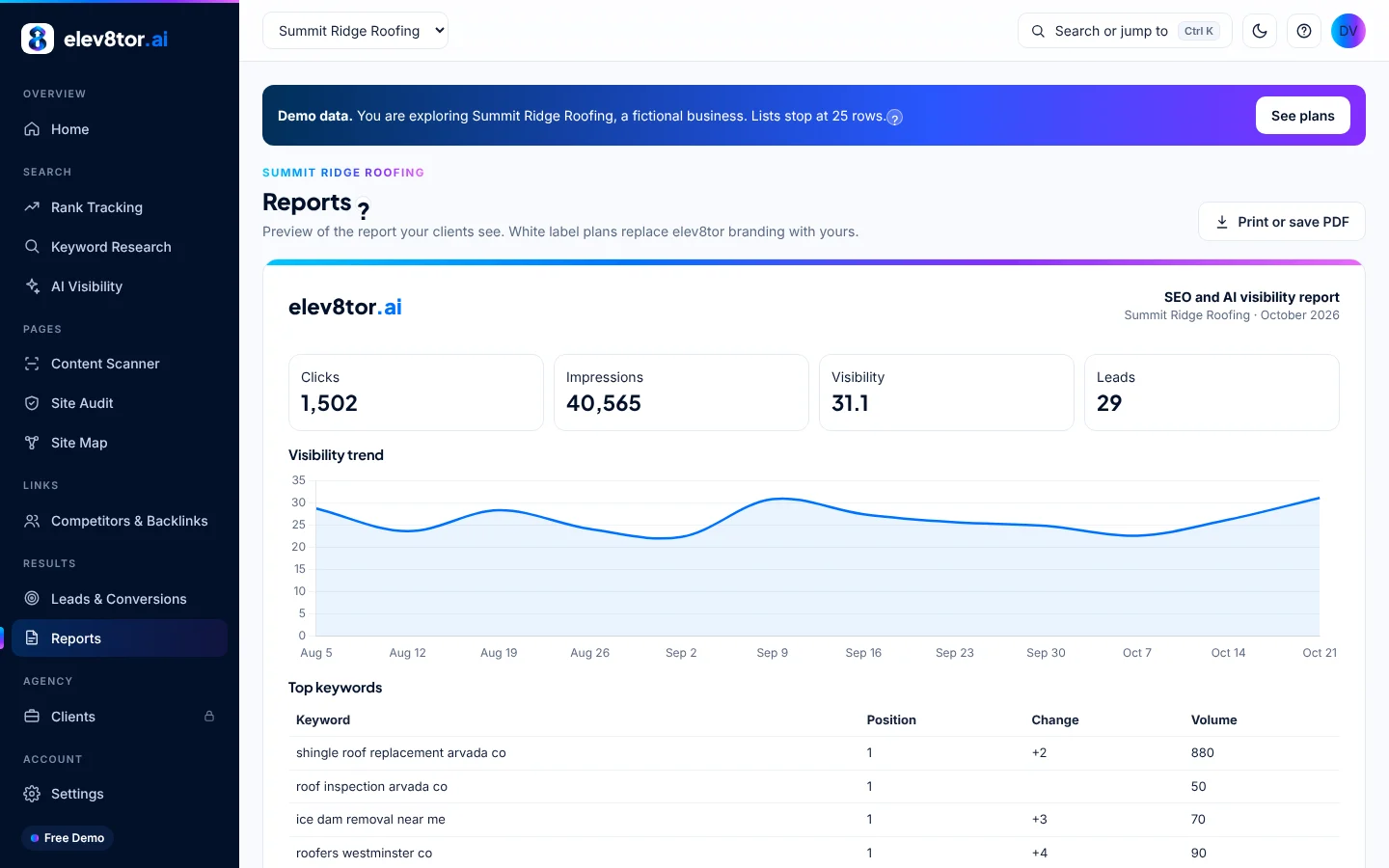
Data integrations come first: connect Google and elev8tor pulls Search Console clicks, impressions and positions and GA4 traffic and conversions into the dashboard and the reports, with AI visibility checked across Google AI Overviews, ChatGPT and Gemini prompts. Writing back uses an integration you already own. On WordPress that is the REST API every install ships with, opened by an application password you create. Everywhere else it is the elev8tor API and webhooks, or an export. We keep our code on our servers; your site keeps running only the software you chose.
PLATFORM BY PLATFORM
Every integration, by platform
Columns are WordPress, every other platform (Webflow, Shopify, Wix, Squarespace, Duda, HubSpot CMS, Ghost or custom HTML), and notes.
WordPress
Other platforms
Notes
Rank tracking, research, audits, AI visibility
Yes
Yes
Any public URL. Nothing to install
Content Scanner and keyword briefs
Yes
Yes
Any public URL. The scanner reads the page’s site for internal link suggestions
Content Writer: new pages and repairs
Yes
Yes
Delivery as HTML, Markdown or Word on every platform
Send the draft to the site
Yes: a draft page or post through the WordPress REST API, with Rank Math title, description and focus keyword set
By export and paste today; by the elev8tor API and webhooks when your platform or your developer hooks in
No elev8tor code is installed on your site for writing
Publish after approval and Autopilot
Yes: the same REST connection publishes when you approve, or on schedule under the 70 gate
Through the API and webhooks, in your own system
Publish mode is a per site setting in elev8tor: Drafts only is the default
Internal link passes on existing pages
Suggestions with the page, sentence and anchor; applied through REST on approval
Suggestions with the sentence and anchor; you paste or your integration applies them
API and webhooks
API on Agency, Agency Plus and BYO Agency; webhooks included
Same
Every finished job (scan, brief, page, repair) available as JSON: HTML, Markdown, meta, links, scores
Lead tracking to GA4
Optional small connector plugin: forms, calls, email taps, orders
GA4 works everywhere; lead source capture by JavaScript snippet is on the roadmap
The connector records leads only; it never writes content
Site verification for unlimited sites
Search Console, or a connector test lead
Search Console
Any platform with Search Console access
The help desk lists what is on at any time.
THE WORDPRESS CONNECTION
An application password, not a plugin
WordPress has had a REST API since version 4.7 and application passwords since 5.6. You create one in your profile, named elev8tor, and paste it into Settings, Sites. elev8tor then creates drafts as that user and sets the Rank Math fields. Revoke the password and access ends. Nothing of ours runs on your server, so there is nothing to update, nothing to conflict with your theme, and nothing a security plugin has to trust beyond one named user.
Publish mode is a setting on the elev8tor side, per site: Drafts only (default, nothing is ever published), Publish after approval (you clear each item in your queue and elev8tor publishes it through the same connection), and Autopilot, which publishes on schedule when the draft scores 70 or better and passes the checks. Step by step setup is on the help desk.
THE API AND WEBHOOKS
Hand the work to your own systems
Agencies with sites on six platforms, in-house teams with a custom CMS, and developers who want elev8tor inside their own workflow use the API. Every finished job is available as JSON: scan results with entities, questions and link suggestions; briefs; written pages as HTML and Markdown with the meta; repairs with each change listed. Webhooks POST that payload to a URL you give us when the job finishes, so Zapier, Make or your own code can create the page in Webflow, Shopify, Ghost, HubSpot or anywhere else.
The API is included on Agency, Agency Plus and BYO Agency. It is also how the tool stays useful when it cannot write to a site at all: the work is done, scored and delivered; where it lands is your call. Plan details are on the SEO software pricing guide.
WHAT ARRIVES IN WORDPRESS
A draft you would be happy to publish
A written page lands as a draft with one H1, the sections from the brief, an FAQ with H3 questions, the internal links the brief chose, and the meta title and description in Rank Math. Unknowns stay as [bracketed placeholders] so nothing is invented. A repair arrives as a draft copy linked to the live page with each change listed next to the action plan item it serves; the live page is never overwritten.
Before anything is sent, the content scanner has scored the draft against today’s top 10 and the checks have run: originality, generic passages, unsourced numbers. The agentic SEO tools compared page shows which other tools run a check before publishing.
Standard blocks
Drafts are standard WordPress blocks. Open them in Elementor, Gutenberg or the Classic editor and style them your way.
Links that fit the sentence
Link suggestions name the page, the exact sentence and the anchor. You approve each one; on approval they are applied through the same REST connection.
Your access, your call
One application password you can revoke, a publish mode you set per site, and no elev8tor code on your server.
THE LEAD CONNECTOR (OPTIONAL)
The one small plugin, and it only listens
Recording a lead with its source (click id, UTM, referrer, landing page) needs something on the site to see the form fill or the call tap. That is the elev8tor connector: a small WordPress plugin that records leads from the forms below, sends GA4 events from the browser and the server so conversions count under ad blockers, and proves you manage the site so it counts as verified. It never writes content and you can run elev8tor without it. Details on lead tracking with GA4.
- Gravity Forms
- Elementor Pro Forms
- Contact Form 7
- WPForms
- Fluent Forms
- Formidable and more
- WooCommerce orders
- Phone and email taps
WHO THIS IS FOR
Agencies with mixed rosters and owners on any builder
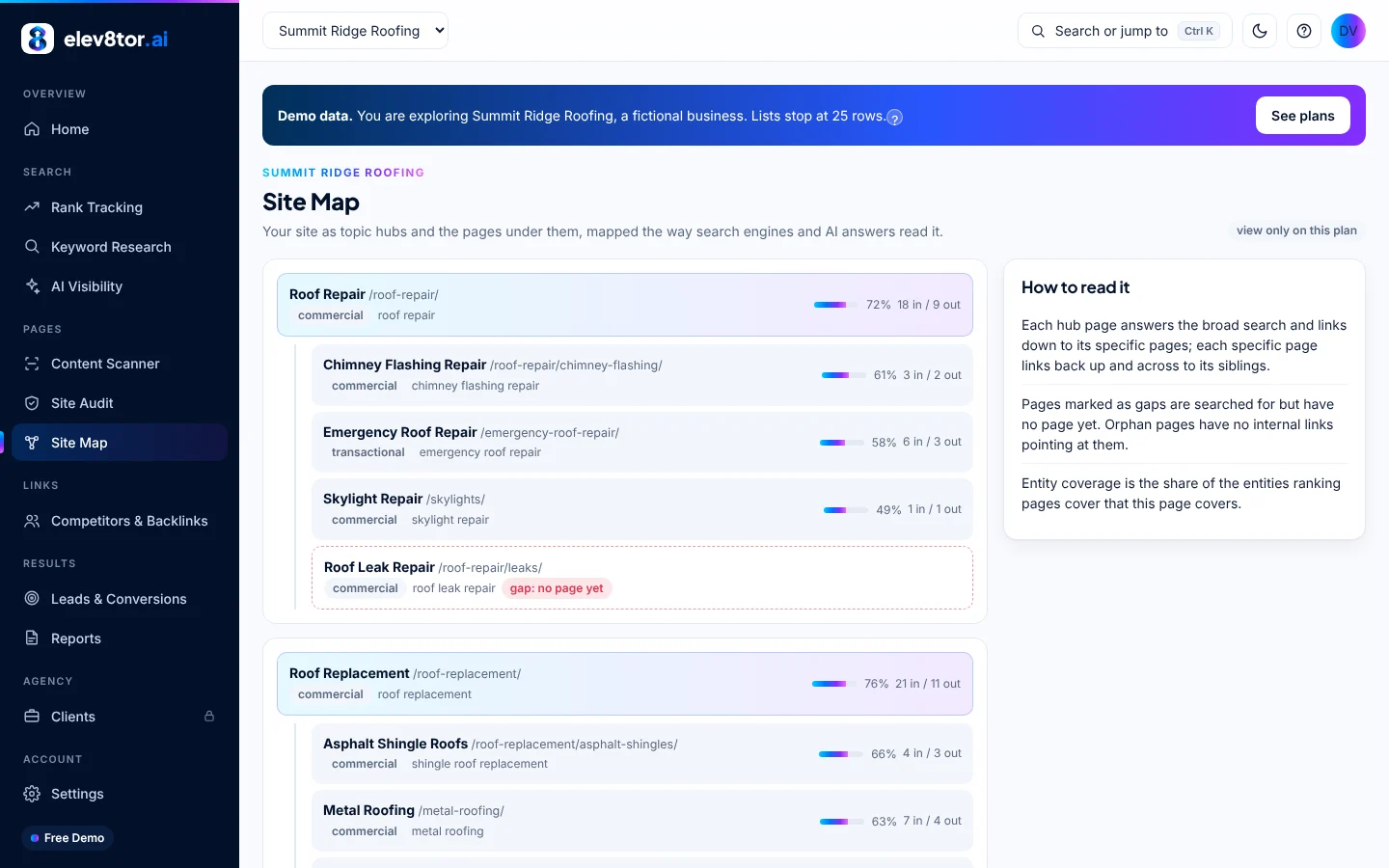
Agencies rarely have every client on one platform. The agency SEO platform runs the reading side across all of them, writes drafts to the WordPress sites, and hands the rest off through the API or export. Owners on Wix or Squarespace get the same scans, briefs and drafts as everyone else; see small business SEO software. Plan costs for either case are added up on the SEO software pricing guide.
FAQ
Frequently asked questions
Yes, for everything except pushing content onto the site. Rank tracking, research, audits, the Content Scanner, briefs and the writer work on any public URL. You take the finished page as HTML, Markdown or Word, paste it into your platform and add the meta title and description we show you. On plans with the API, your developer or an automation tool can pull the finished page as JSON and post it wherever your content lives.
No. Writing to WordPress uses the REST API that WordPress ships with, opened by an application password you create and can revoke. There is no elev8tor plugin involved in drafting or publishing. The only optional plugin is the lead tracking connector, which records form fills and calls; it never writes content and you can skip it.
Drafts arrive as standard WordPress blocks, which every theme and builder opens, including Elementor, Gutenberg and the Classic editor. Open the draft in your builder and it is yours to style.
Rank Math: title, description and focus keyword are set on every draft through its REST route. Yoast has no outside write route, so we show the title and description for you to paste. Other SEO plugins work the same as Yoast.
For teams who want elev8tor to hand off work to their own systems. The API returns any finished job as JSON: the page HTML and Markdown, meta title and description, the internal links with their sentences and anchors, and the scores. Webhooks send that payload to a URL you give us when a job finishes, so Zapier, Make, your CMS or your own code can take it from there, on any platform.
GA4 works everywhere, so the GA4 side of your reports fills in once Google is connected. Recording the lead with its source (click id, UTM, referrer) needs the small connector plugin, which is WordPress only today. A JavaScript snippet for other platforms is on the roadmap.
Application passwords and keys are encrypted at rest and shown only as their last four characters. Revoke the application password in your WordPress profile and elev8tor loses access that second. The scanner never runs on customer keys. The lead connector keeps a local copy on your site for 30 days only and never sends names, emails or phone numbers to GA4.
Connect a site in the demo
The free demo lets you connect WordPress and send a draft before you pay. If your site is elsewhere, run the 5 free scans on it and see what the writer would produce.
Related pages
- Help desk and support: Step by step connection and the help center
- Lead tracking with GA4: What the optional connector records
- Content scanner: The check that runs before a draft is sent
- Agentic SEO tools compared: How other tools publish and what they skip
- SEO software pricing guide: Plans, credits and Autopilot added up